Obsidian plugin
Update Radar Pro
Make plugin updates safe: a copy before every update, a way back to how everything was, and a guided search for the plugin that breaks something.
What it does and who it is for
Update Radar tells you which community plugins have an update. Pro is for people who keep many plugins and cannot afford a broken vault after an update: it copies each plugin first, lets you go back, and helps you find the culprit when something stops working.
It requires the free Update Radar plugin (0.5.0 or later).
What Pro adds
- Copies before every updateBefore Update Radar installs an update, Pro copies the plugin's files into your configuration folder. Restore any copy later; the plugin reloads and Update Radar stops offering the newer version.
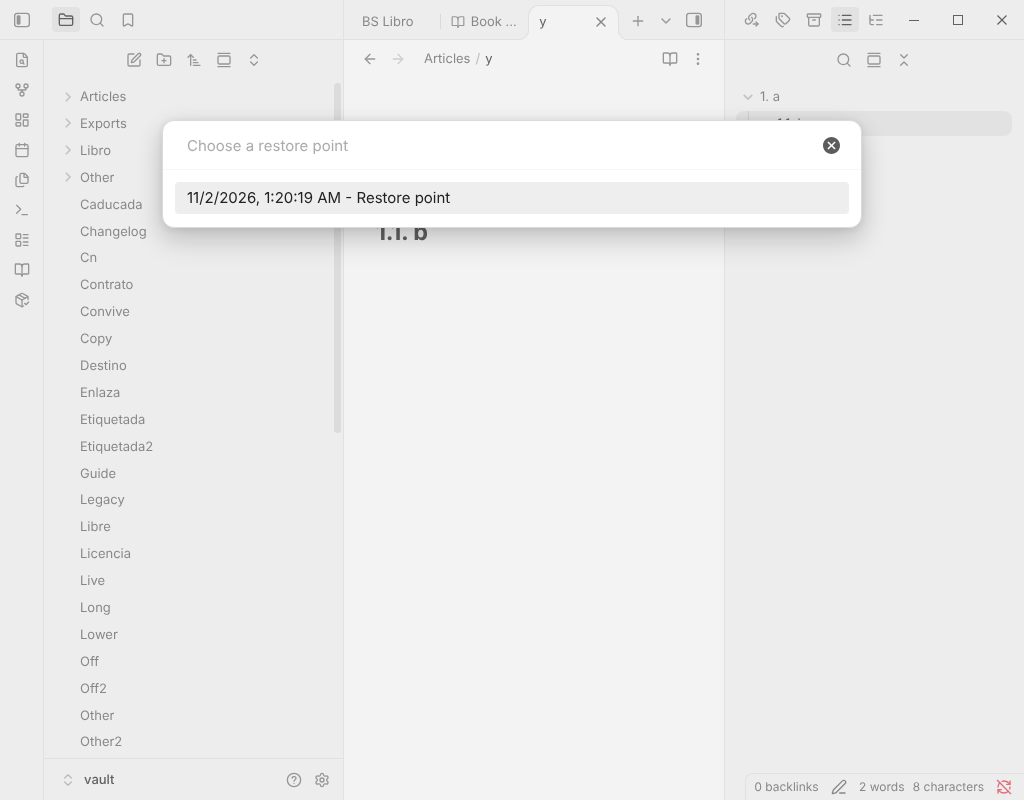
- Restore pointsThe version of every plugin and which are on. Pro makes one before Update all, and Go back to a restore point shows what would change and asks first.
- Find the plugin causing a problemA guided search that turns plugins off and on in halves and asks whether the problem is still there, until one plugin is left. At the end your plugins are back as they were.
- Undo the last update sessionOne click puts back every plugin the last update session changed.
- Backup of your whole configurationThemes, snippets, hotkeys, settings, appearance and workspaces in one backup, with partial restore: bring back only the parts you choose.
- Regression meterWarns when a new version of a plugin starts clearly slower than the one before.
- plugins.lock.jsonA lock file that records the plugin versions you have, so you can see and keep them.
- Plugin profilesNamed sets of plugins you can switch between.
- Inspect an updateCompares the new release with the installed one: size, new or gone web hosts, patterns worth a look and changes to the manifest. Hints, not verdicts; nothing is run.
- Summary of release notesWrites one note with the release notes of up to 20 waiting updates, with links and code escaped for safety.
- Update rulesPer plugin: all updates, minor and major only, major only or pinned, plus a wait of 1 to 30 days.
What stays free, for good
- Updates in the status bar and a list of what changed, with release notes.
- Update one plugin or all, ignore a version, snooze a plugin, wait before an update is offered.
- Go back to an earlier version of a plugin.
- Compatibility checks and plugin health flags (removed, abandoned, not from the directory).
Nothing in the free plugin moves into Pro. Without a key, restoring copies and restore points, the search, and deleting copies keep working for good; making new copies, inspecting, summaries and rules need a key.
Price
24 USD, one-time payment.
Team licence, up to 5 people: 69 USD.
One-time payment. No subscription. Commercial licence: use it yourself, or buy the team licence for up to 5 people; do not share or resell the file or the key.
Pro is closed-source software under a commercial licence. It is delivered as a zip from the Bolsterfy shop, not through the Obsidian community directory.
How to activate
- After you buy, the Bolsterfy shop emails you a download link for the zip file and your licence key.
- Install the zip following the INSTALL file inside it, then open the plugin's settings in Obsidian and paste the key.
- Press Activate.
Network and privacy
- Copies and restore points are plain files in your vault. Nothing is sent anywhere.
- Apart from the licence check, the only download is when you ask to inspect an update: it fetches main.js and manifest.json of that release from github.com.
- The licence check: when you press Activate, the plugin sends the key, once, to the licence endpoint of the Bolsterfy shop. After that it is saved on your device and nothing is checked again.
- No telemetry, no analytics, no accounts, no self-update. This page has no cookies and loads nothing from other sites.
Refunds
Payments are handled by the Bolsterfy shop. Its terms and refund policy are shown before you pay and on its refunds page. Prices are in US dollars; any tax is shown at checkout.
Questions
Do I need the free plugin?
Yes. Update Radar Pro requires the free Update Radar plugin (0.5.0 or later) and must be running for copies before updates, rules and the summary.
Can copies contain secrets?
A plugin's data.json may hold tokens or passwords, and a copy is a plain file. Turn Include data.json off if you do not want that. Delete all snapshots removes everything.
What works without a key?
Restoring, going back to a restore point, the search and deleting copies keep working. New copies, inspecting, summaries and rules need a key.
Does it update plugins by itself?
No. It never installs or updates a plugin without your click.
What do I get for the price?
The plugin for good, for your own use, plus one year of updates. After that it keeps working; you can renew for half the price to keep getting updates.