Free Obsidian plugin
Line Editing Commands
Duplicate, join, sort, reverse and clean up lines, insert blank lines and jump to a line number, with multi-cursor support.
Install from the Obsidian directory Open in Obsidian Source code and issues
What it does
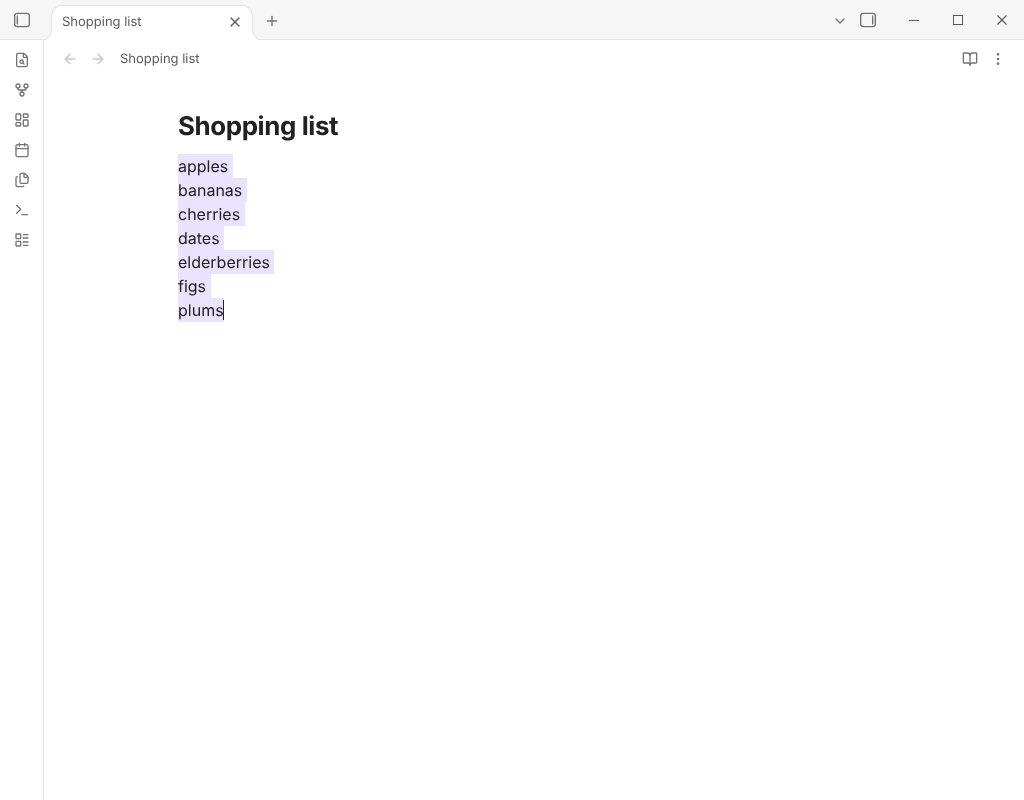
Line-level editing commands for Obsidian's editor: duplicate, join, sort, reverse, insert blank lines, select a line, delete to the start or end of a line, jump to a line number, and build multiple cursors the way code editors do (select next occurrence, select all, skip, add cursor above or below). Every command works with several cursors at once, and a single Undo reverts it.
Obsidian already has commands to swap a line up or down, delete a paragraph and toggle lists, so this plugin only adds what is missing.
Details
- Version
- 0.2.1
- Needs Obsidian
- 1.1.1 or newer
- Platforms
- Desktop and mobile
- Author
- Siulved54
- Price
- Free and open source