Free Obsidian plugin
Tab History
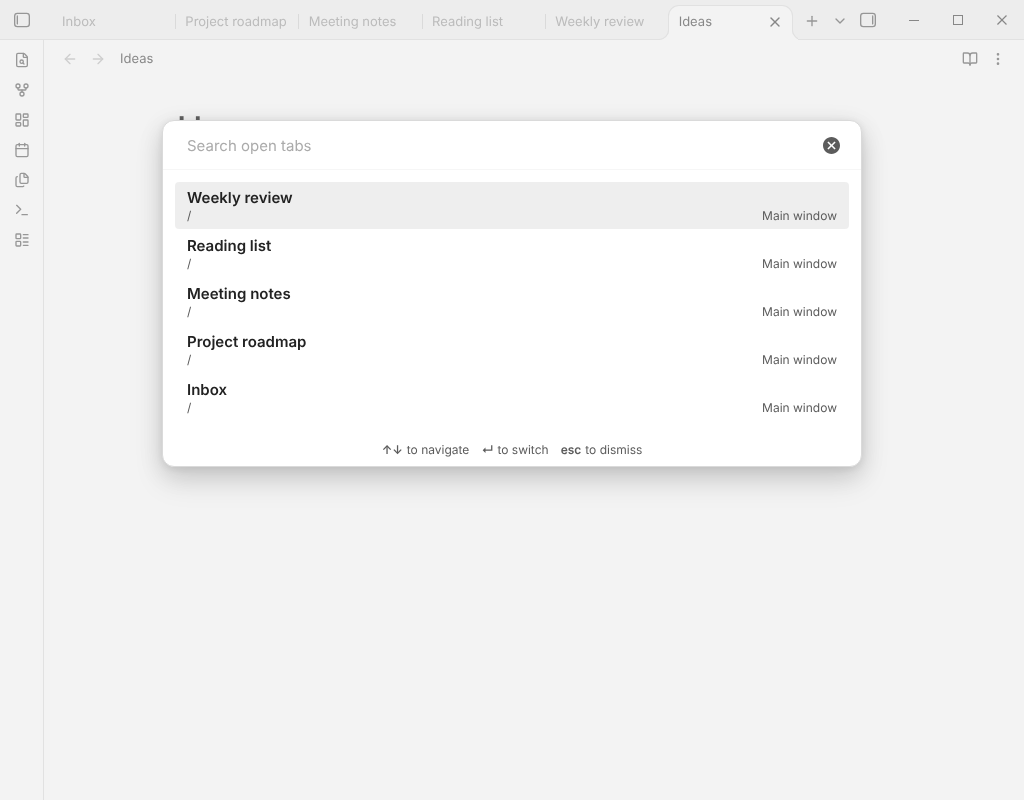
Keeps each tab's back and forward history across restarts, and adds commands to move, maximize and close tabs.
Install from the Obsidian directory Open in Obsidian Source code and issues
What it does
Keeps each tab's back and forward history across restarts, and adds commands to move, maximize and close tabs.
Obsidian remembers where each tab has been, but only until you quit. With Tab History the back and forward arrows of every tab still work after a restart, and the commands Obsidian lacks for arranging tabs are there.
Highlights
- Entries for notes that no longer exist are dropped.
- Each tab keeps its newest 50 entries (change it in the settings).
- Closing a tab forgets its history. Renaming a note keeps the saved entries pointing at it.
- If a future version of Obsidian changes how it keeps tab history, saving turns itself off with one notice and the commands keep working.
Details
- Version
- 0.3.1
- Needs Obsidian
- 1.7.2 or newer
- Platforms
- Desktop and mobile
- Author
- Siulved54
- Price
- Free and open source