Your book, ready for Amazon in 10 minutes
Upload your Word file, pick a style and download the interior, the cover and the ebook. Free, no account, and your manuscript never leaves your computer.
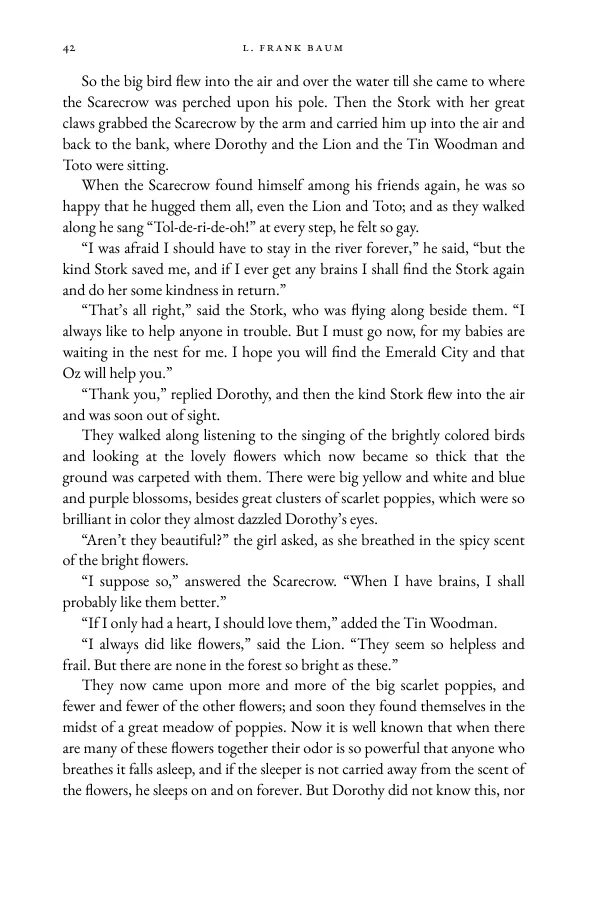
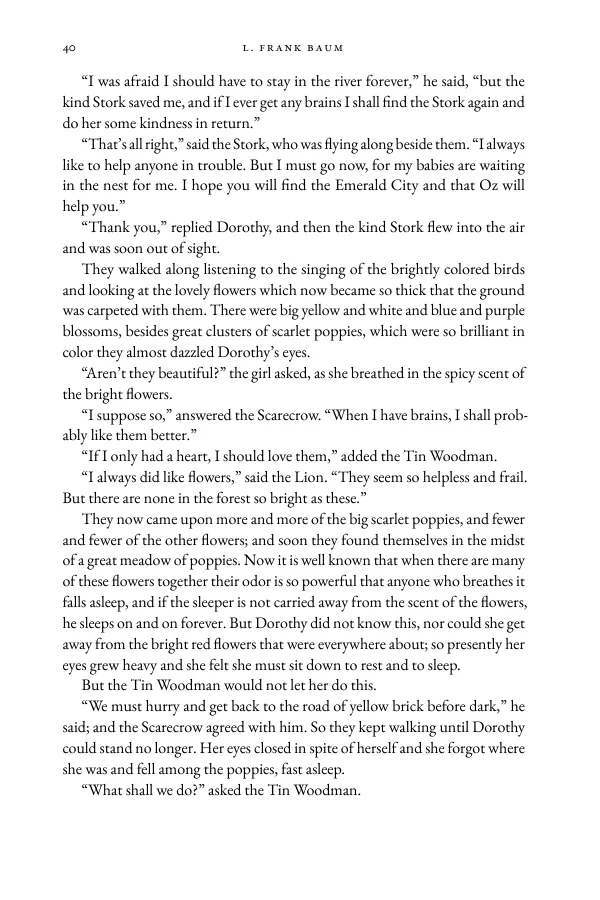
Same book, same typeface, same engine; only the typesetting changes. On the left, lines filled one at a time with no hyphens, as a word processor does. On the right, Knuth–Plass line breaking (the algorithm TeX uses) with hyphenation and microtypography.
Three steps
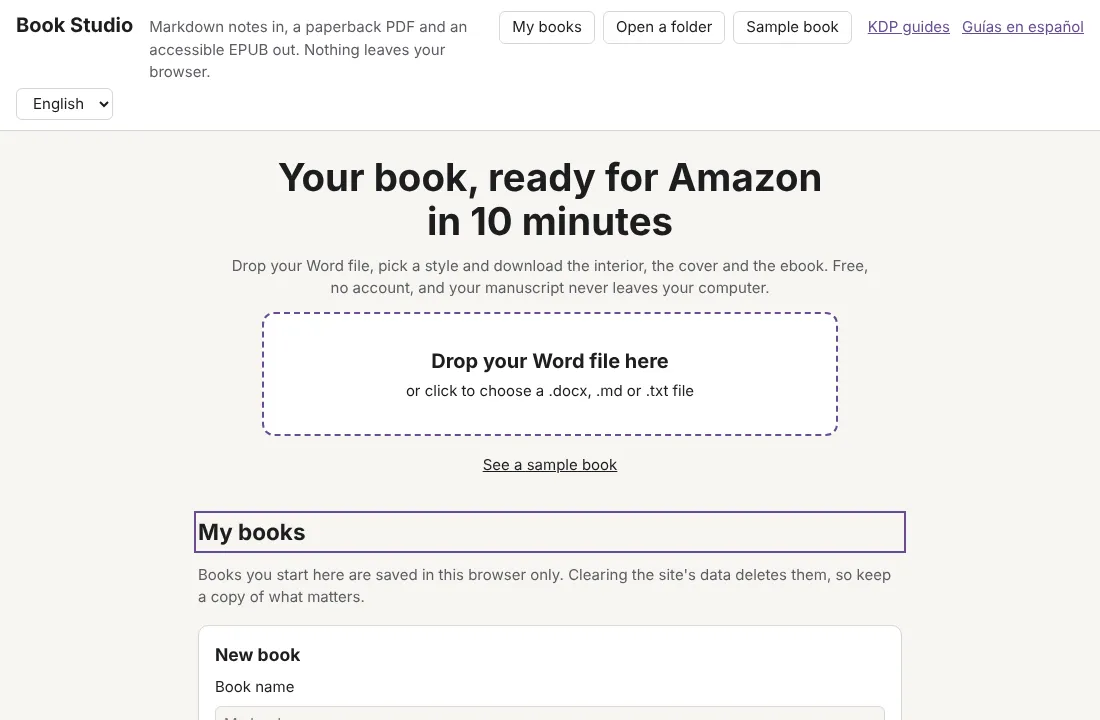
1. Upload your Word file
Drop your .docx (or .odt, .rtf, .md or .txt). It is read in your browser and turned into chapters, with their footnotes and pictures.
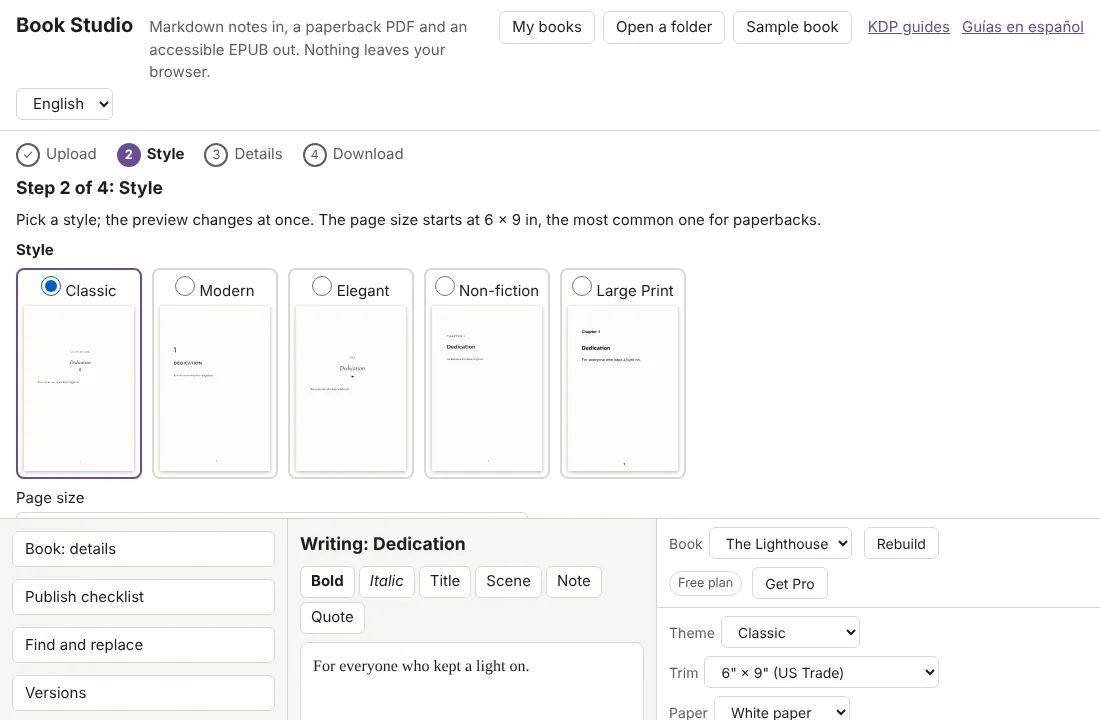
2. Pick a style
Five free styles and every KDP trim size. The preview redraws at once, page by page.
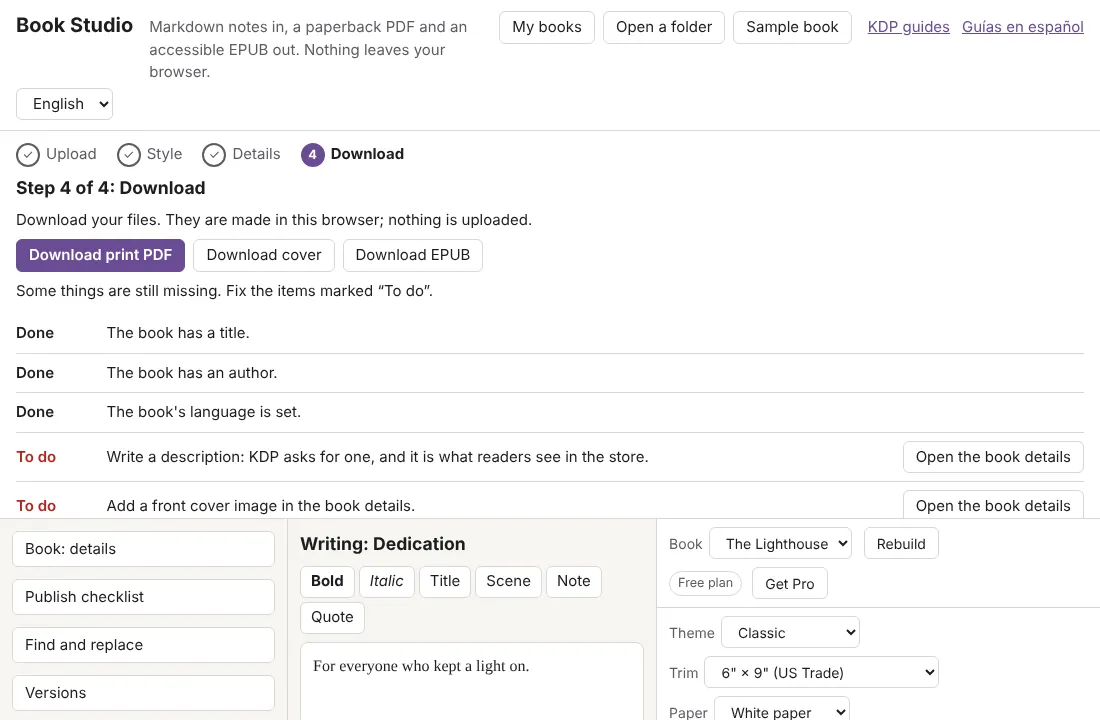
3. Download and publish
The print PDF, the full cover and the EPUB, with a checklist for KDP.
What you download
A print-ready interior PDF for KDP, the full cover with spine and bleed, and an accessible EPUB 3. These two books were made with the free plan:
| Book | Pages | Trim | Files |
|---|---|---|---|
| Leyendas y rimas Gustavo Adolfo Bécquer | 124 | 6" × 9" (US Trade) | Print PDF (438 KB) EPUB (373 KB) Markdown source (134 KB) |
| The Wonderful Wizard of Oz L. Frank Baum | 140 | 6" × 9" (US Trade) | Print PDF (541 KB) EPUB (661 KB) Markdown source (429 KB) |
How it compares
| Book Studio | Vellum | Atticus | Kindle Create | |
|---|---|---|---|---|
| Price | Free, unlimited books | 249.99 USD (Press); 199.99 USD (Ebooks) | 147 USD, one time | Free |
| Where it runs | Any modern browser | Mac only | Browser, Windows, Mac, Linux and Chromebook | Windows and Mac |
| Needs an account | No | Its site doesn't say | Yes, a login | An Amazon account for KDP |
| Full wraparound cover | Yes: sheet with spine, bleed and barcode area (no designer yet) | Its site doesn't say | Its site doesn't say | Its site doesn't say |
| In Spanish | Yes: interface, hyphenation and typography | Its site doesn't say | Its site doesn't say | Its site doesn't say |
Where a maker's own site doesn't say, the table says "Its site doesn't say": we don't guess. Prices as of 2 November 2026. For the detail, read the honest comparison.
Privacy
No accounts, no cookies, no analytics. Your manuscript is read and typeset in your browser and never uploaded to any server.
Frequently asked questions
Is it really free?
Yes. The web app is free and MIT licensed, with no account, no watermark and no limit on books or pages. All sixteen KDP trim sizes, nine styles, footnotes, the full cover and the KDP preflight are free for good. Book Studio Pro adds genre styles, a back-of-book index, box sets and the accessible EPUB pack.
What do I need?
A modern browser and your manuscript as Word (.docx), Markdown or plain text, up to 40 MB. There is nothing to install and no account to make. Old .doc files need saving as .docx first.
Does it work for hardcover?
Today the PDF follows KDP's paperback rules. KDP has different rules for hardcover that Book Studio doesn't check yet.
What about images?
PNG and JPG pictures in your Word file are kept with their descriptions, and the check flags any without one. The cover can be your own JPG or PNG, or a typographic one.
Can I use it offline?
Yes. After the first visit the app is saved on your device and keeps working without internet.
What happens to my manuscript?
Nothing leaves your device: it is read and typeset in your browser. Your books are kept only in that browser, so clearing the site's data deletes them; the app lets you download a copy as a .zip.
Guides
- Free KDP Book Formatter: PDF and EPUB in Your Browser
A free KDP book formatter that runs in your browser: print PDF with the right margins, plus an EPUB 3. No account, no watermark, nothing uploaded. - Accessible EPUB 3: What It Takes and How to Export One
What makes an EPUB accessible, how to check it with EPUBCheck, and how Book Studio exports a clean EPUB 3 from your Markdown notes. - KDP Trim Sizes, Margins and Bleed: A Plain Guide
Every KDP paperback trim size, the inside margin for your page count, outside margins and bleed, with the numbers from KDP's help page. - Markdown to Book: Turn Obsidian Notes into PDF and EPUB
How to turn a folder of Markdown notes, in Obsidian or any editor, into a print PDF and an EPUB 3 with one book note that lists your chapters. - Vellum, Atticus, Kindle Create or Book Studio: An Honest Look
Vellum, Atticus, Kindle Create and Book Studio compared on price, platforms, formats and limits, including where each of the others is the better pick. - How to Format a Book for KDP: Step by Step, Free
Format a paperback and ebook for Amazon KDP in seven steps, from Markdown notes to a print-ready PDF and an EPUB 3, using a free browser app.